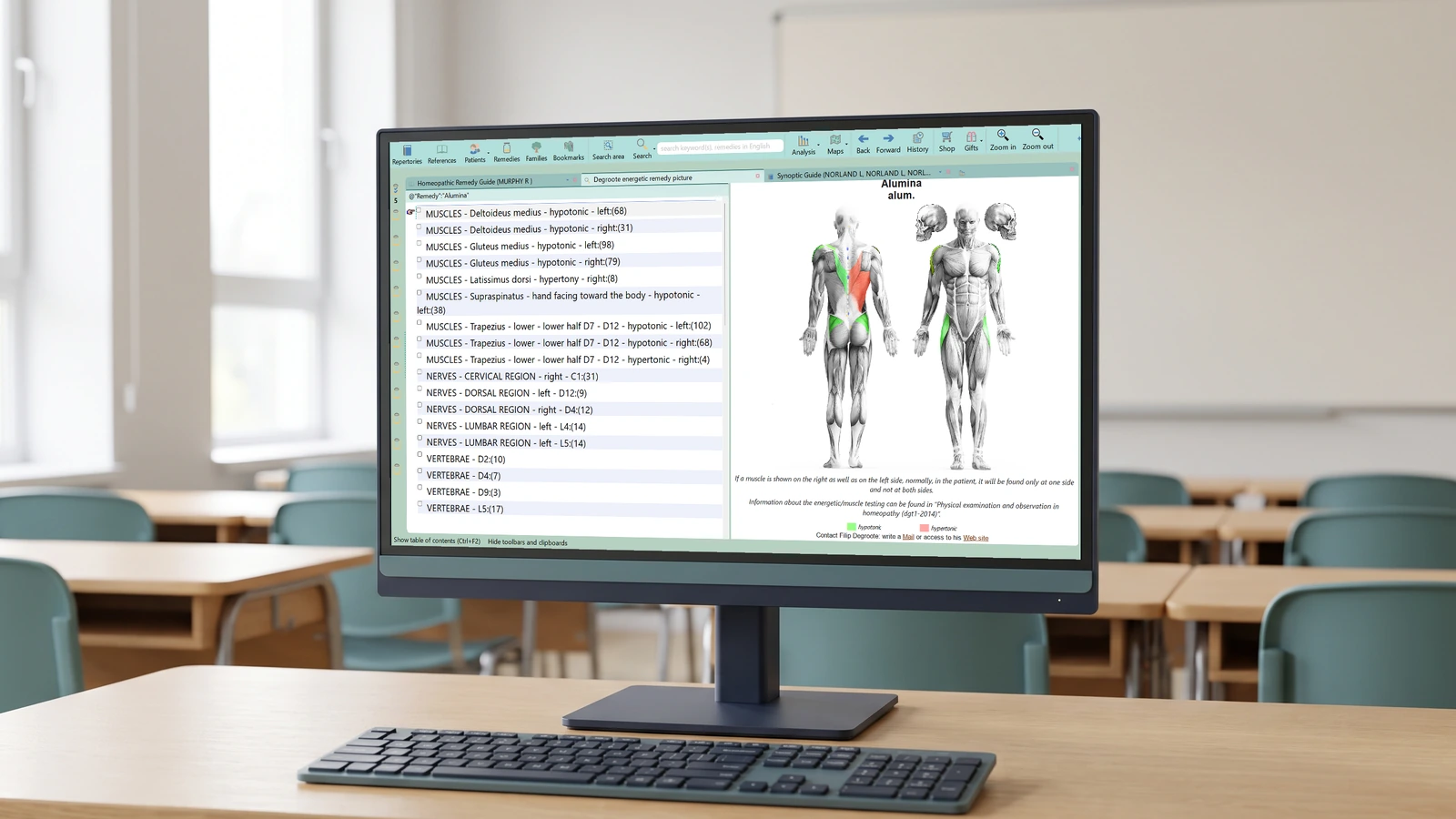
From a Materia Medica search to a custom rubric
What happens when a useful description appears in a Materia Medica text but you cannot find a corresponding entry in the repertory? A custom rubric offers a route from the reference library into your analysis. It lets you work with the material you have actually found, rather than abandoning the search because the repertory uses different words.
Our November 2018 newsletter introduced this as one of the tools in RadarOpus 2.1. The accompanying lessons show a sequence that is still useful to understand: search the reference text, inspect the result, turn the selected material into a custom rubric, and compare it with the published repertory.
Start with the passage
The first lesson begins with an exact symptom in Materia Medica. This is a different starting point from browsing a repertory heading: you are reading an author’s description in its original setting. A search match is your route to that passage, so open the text around it rather than treating the short result as the whole account.
The second lesson broadens the same idea to other Materia Medica sources. RadarOpus can search references as well as repertories; the value of the custom rubric is that selected material from that reference search can enter the analysis alongside repertorial material.
Compare with the existing repertory
The first tutorial also demonstrates cross-checking the results against Synthesis and making an addition where a remedy is missing. These are related activities, but they are worth keeping distinct. A custom rubric is a working selection made for your analysis. A personal repertory addition changes the material you will encounter when you return to that repertory entry.
Keep the author and source passage with your reading notes. That makes it possible to explain where a selected remedy came from and to return to the surrounding description. The point is to make the library usable in analysis while retaining the connection to the text.
Follow the worked demonstrations
The original demonstrations use the 2.1 interface, so treat the screen layout as historical. Their subject is the relationship between searching, reading and repertorisation, not an assurance that one search finds every relevant remedy.
Watch custom rubrics, part one and part two. For help locating these tools in your installation, contact Radar UK.
Adapted from Luke Norland’s Zeus Soft teaching newsletter of 2018-11-13.
This article is for educational purposes and does not replace individual medical advice. For health concerns, seek appropriate conventional care and continue any prescribed treatment.