Combining rubrics: give one idea its proper weight
Several rubrics can describe much the same idea, particularly in the Mind chapter. If they are all entered separately, that idea may receive more emphasis in the analysis than you intended. Combining and grouping give you a way to work with those related entries together.
This was the subject of our December 2018 teaching newsletter. Its three practical starting points were cross-references in the repertory, rubrics found across different repertories, and a clear name for the group in the Analysis. The distinction between a group and a newly combined rubric is worth understanding before you use either.
Group the entries, or make one new rubric
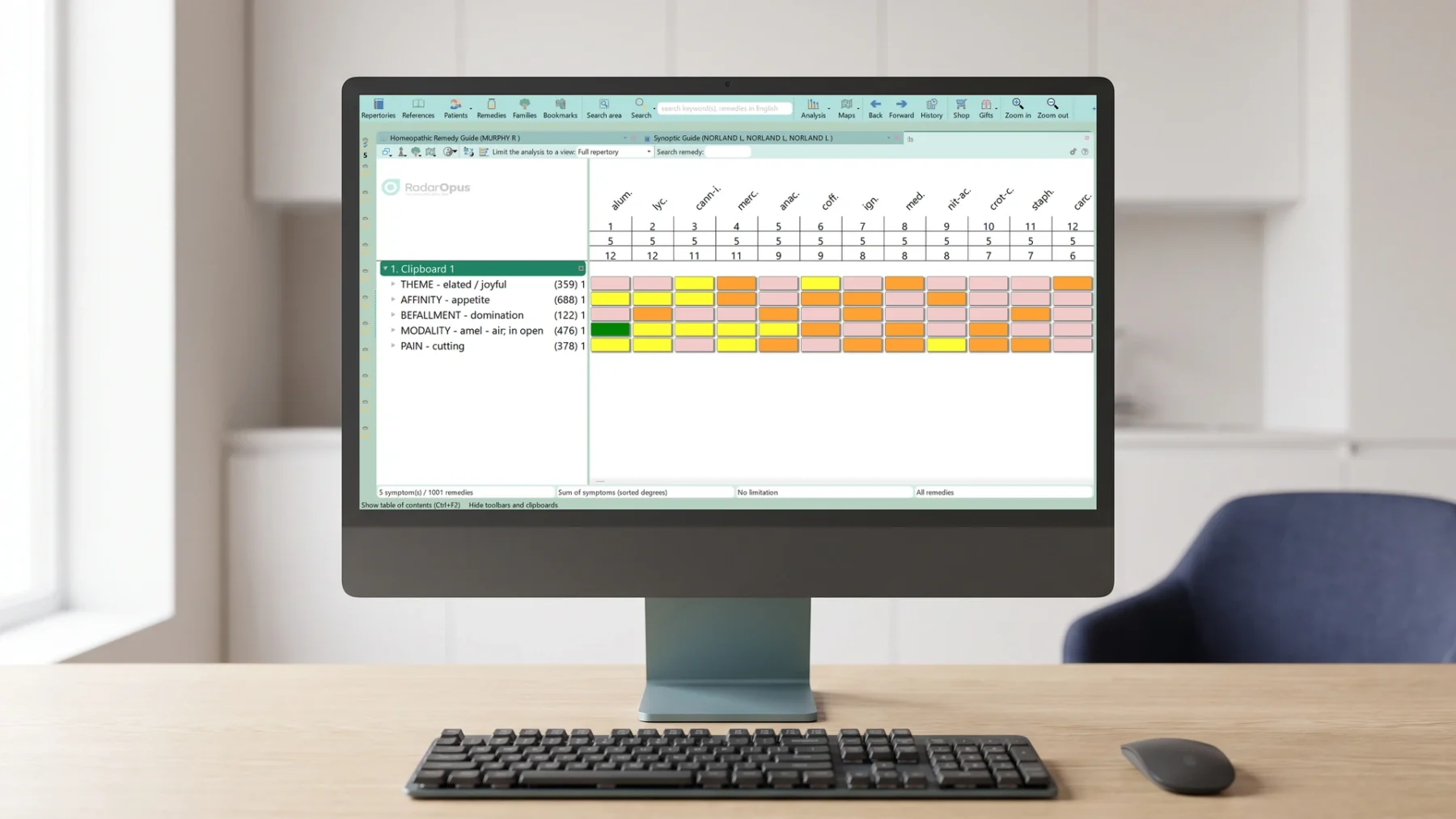
The RadarOpus 3.1 manual describes two arrangements. A group leaves the original rubrics visible in the clipboard but calculates them as one symptom. Giving the entries the same group letter identifies their relationship. You can therefore still see which rubrics were selected.
Combining into a new symptom creates one rubric containing the remedies from the selected entries. Where a remedy appears in more than one of them with different degrees, the documented method uses its highest degree. The distinction concerns both the appearance of the clipboard and how the selected material is represented.
Follow the documented sequence
- Select the rubrics you want to work with: Ctrl-click on Windows or Cmd-click on a Mac.
- Right-click one of the selected rubrics and choose Combine/group rubrics.
- Choose the arrangement you intend: retain the entries as a group, or create one combined symptom.
Those menu instructions are from the version 3.1 guide, rather than a promise that every later interface is identical. The original 2018 lesson also demonstrates starting from repertory cross-references and from search results, rather than only from an existing Analysis.
Keep the source of the group visible
The newsletter’s final emphasis was naming: a grouped set needs a label that you can recognise when you return to the analysis. A useful group name should help you remember the relationship you intended, while the underlying entries remain available for inspection. The software performs the grouping; the meaning of that group still comes from your reading of the material.
Read the manual’s grouping and combining explanation, or follow the original combining-rubrics demonstration.
Adapted from Luke Norland’s Zeus Soft teaching newsletter of 2018-12-07.
This article is for educational purposes and does not replace individual medical advice. For health concerns, seek appropriate conventional care and continue any prescribed treatment.